- Website Design Checklist:
- 1) Review and Test the Entire Website
- 2) Review the KPIs, SEO, and Analytics Reports
- 3) Test your website forms/checkout process
- 4) Domain Name Renewal
- 5) Bug fixes and Security Updates
- 6) Browser and Design Compatibility
- 7) Checking Backups
- 8) Review Contact information
- 9) About/Bio Page
- 10) Dates and Copyrights
- 11) Upgrade Legal Disclaimers
- Final Thoughts
Websites are like cars; if you fail to get the oil change done, the vehicle’s performance will drop. Sometimes, it won’t work and might need a significant fix. Nobody would like this to happen with their website after all the hard work they have done and invested in. As cars need mechanics to repair, websites require web developers for development, fixing, and overall enhancements.
Below is a checklist of 11 items that should be taken care of (you might need to consult your website developers for some tasks) to maintain a smoothly running website.
1) Review and Test the Entire Website
Take out some time and review all the website pages thoroughly. This will help you find any broken links or focus on improvements you’d like to get done from your web programmers. You can also use automated QA software to test the website. Especially consider the following in your review:
Loading time
Overall user experience
Broken links
Any errors
Missing page titles or meta tags
Missing or outdated content
Typos or grammatical errors
Inconsistent styles or formatting
Meeting accessibility standards, such as the ADA, if needed.
Features and business logic
2) Review the KPIs, SEO, and Analytics Reports
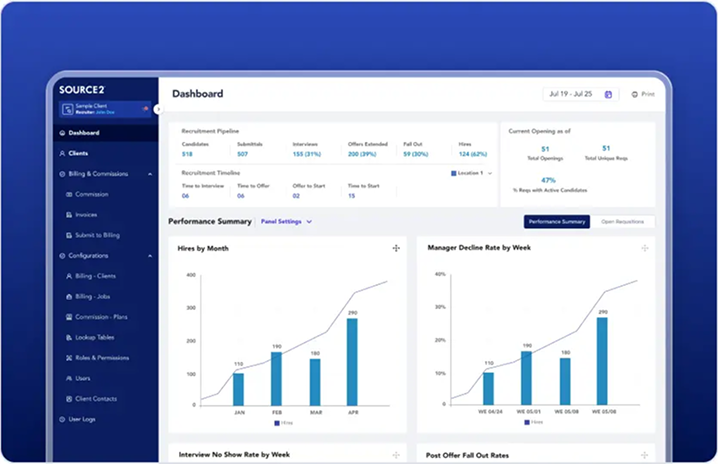
Reviewing your KPIs (Key Performance Indicators), SEO ratings, and general web analysis can help you effectively measure the website’s performance. This will help indicate your website’s effectiveness and reveal any possible problems.
3) Test your website forms/checkout process
Be sure to regularly test the call to action and contact/sale points (e.g., forms and the checkout process) on your website. Nothing can be much worse than malfunctioning your contact form due to some website update, due to which you will lose your business opportunities.


4) Domain Name Renewal
Make sure to h check on the renewal of your domain names promptly. The website domain name is your most prized possession. Its expiry can mean a disaster to you. Name.com is one of the top domain name registrar companies you can try for new domain purchases or renewals
5) Bug fixes and Security Updates
Make sure you hire a web developer to maintain your website if necessary. For example, the developer might have to install security patches, updates and bug fixes, or any update that might incorporate the web server, operating system, CMS, database, etc.
6) Browser and Design Compatibility
Old designs and layouts do not suit the new browsers with the changing and swift time as well as change in technology. That is why check and test the website on the various browsers such as Google Chrome, Internet Explorer, Mozilla Firefox, Apple Safari, etc. on a regular basis.
7) Checking Backups
Make sure you have a backup of your entire website, including the website and the data. Ensure that your web hosting company checks the backup thoroughly to ensure that they are working correctly and that the data can be retrieved. Many hosting companies, like HostGator, BlueHost, and others, provide a daily backup feature at a reasonable price; make sure to subscribe to that.
8) Review Contact information
One of the most significant sections of the page is the contact page, and it should also be updated and correct. The names, phones and addresses need to be updated with the latest information.
9) About/Bio Page
Ensure that you have the correct and up-to-date / about page on the website, as this will bring your identity and exposure to the professionals in the market in which you are operating.
10) Dates and Copyrights
Review the dates of your copyrights and update any date-specific reference or text used throughout your website. Especially the homepage should not contain any outdated information.
11) Upgrade Legal Disclaimers
Check and ensure that site terms, privacy policy, terms of sale, usage conditions, etc and make sure they are within the laws and policies.

Final Thoughts
In summary, a successful functioning site needs constant maintenance. This is important in performing proper review and test of the entire site so as to identify any problems like errors, broken links and outdated information. To measure the effectiveness of the website and possible issue tracking, it is important to monitor key performance indicators (KPIs), SEO rating, and analytics reports. Trying out the application process and forms helps users enjoy a smooth experience.
It is essential to promptly renew domain names to avoid any disruptions. The optimal performance of the sites should be ensured through regular bug fixes, security and compatibility reviews with the other browsers. Keeping backups and verifying their functionality ensures data protection. Making changes to contact details, employee biographies, dates, copyrights or any applicable disclaimers helps maintain correctness and meets requirements. With this list and the help of web developers, you can keep your website reliable, protected and achieve your business objectives.